

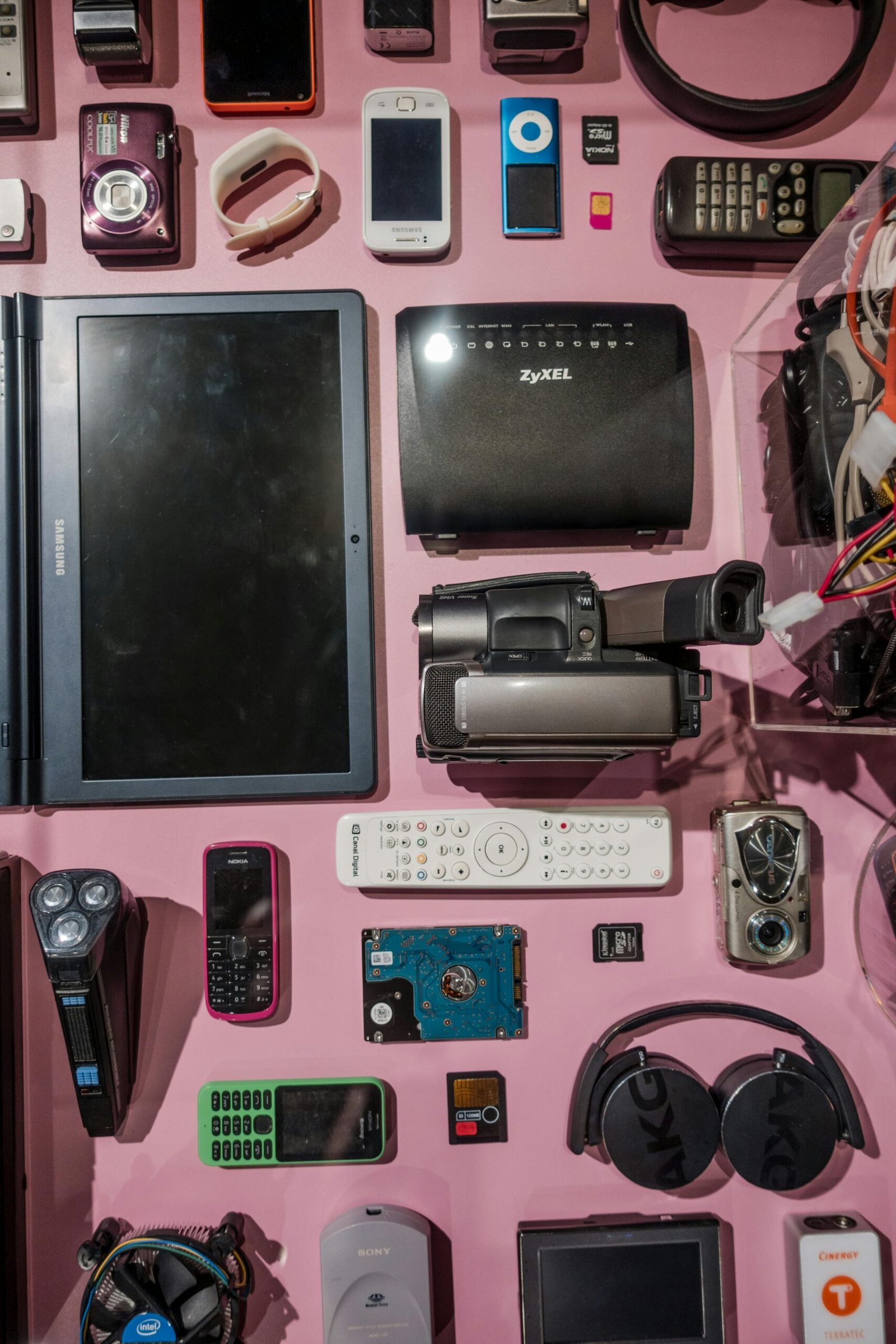
Introduction
Hey millennials, remember the early 2010s?
Flip phones, Snake games, and zero doomscrolling anxiety.
Fast-forward to December 2025, and we’re glued to our smartphones for 2+ hours a day on social media alone, with 78% of us wishing we could disconnect more easily from digital devices.
Social media fatigue is real—leading to higher stress, poorer sleep, and that constant drained feeling. But what if you could transform your iPhone or Android into a modern “dumb phone” (or minimalist phone) without losing essentials like maps, banking, or music? In 2025, digital minimalism is trending big: Turning your smartphone grayscale, using minimalist launchers, and blocking distractions to reduce screen time, boost focus, and actually feel happier.
People who adopt dumb phone habits report better mental health, deeper real-life connections, longer battery life, and less FOMO. Studies show reducing colorful, addictive interfaces lowers dopamine hits from notifications, making your phone a tool instead of a trap. Ready to reclaim that 2010 vibe and feel more present? This step-by-step guide shows you exactly how—no need to buy a Light Phone or Nokia flip (though they’re cute). Let’s make your phone boring… in the best way.
Why Turn Your Smartphone Into a Dumb Phone in 2025? The Happiness Boost Is Real
Smartphones are amazing, but they’re designed to hook us. Endless apps, colorful icons, and pings keep us checking “just one more time.” The result? Digital fatigue hitting millennials hard—78% want easier ways to unplug, and many are fighting social media burnout.
Benefits of a minimalist/dumb phone setup:
- Happier mood & less anxiety — Grayscale and fewer distractions reduce compulsive checking.
- Better focus & productivity — No colorful temptations mean more time for hobbies, friends, or side hustles.
- Improved sleep — Less blue light doomscrolling = easier wind-down.
- Stronger connections — When your phone isn’t entertaining, you talk to actual people more.
- Longer battery + privacy — Minimal apps drain less power and expose less data.
In 2025, apps and built-in tools make it easier than ever to “dumb down” your phone while keeping must-haves like Uber or Spotify.
Step-by-Step: Transform Your Phone Into a 2010-Style Minimalist Masterpiece
These tweaks work on iOS and Android—start with one or go all-in. Most are free and reversible.
1. Switch to Grayscale Mode (The #1 Happiness Hack)
Colorful icons are engineered to grab attention. Grayscale makes everything black-and-white, instantly less addictive.
iPhone:
- Go to Settings > Accessibility > Display & Text Size > Color Filters.
- Turn on Color Filters, select Grayscale.
- Pro tip: Add it to Accessibility Shortcut (triple-click side button to toggle).
Android:
- Settings > Accessibility > Color correction > Grayscale (or search “grayscale”).
- Some phones: Developer Options > Simulate color space > Monochromacy.
Result: Your phone feels boring—like a 2010 flip phone screen. Many report cutting screen time 30-50% instantly.
2. Install a Minimalist Launcher (Text-Only Home Screen Magic)
Replace flashy icons with simple text lists.
Best for Android:
- OLauncher or Minimalist Phone (free/paid versions)—shows apps as plain text, hides others.
- Before Launcher or Niagara Launcher for clean, customizable minimalism.
Best for iPhone:
- Dumb Phone app or Blank Spaces—creates widget-based minimalist home screens.
- Use Shortcuts to build a text-only launcher.
Practical Steps:
- Download from App/Play Store.
- Set as default home screen.
- Add only essentials: Phone, Messages, Camera, Maps, Music, Banking.
- Hide everything else in a folder or app library.
Now unlocking feels calm, not overwhelming.
3. Kill Notifications & Block Addictive Apps
Flip phones didn’t ping you constantly—recreate that peace.
Practical Steps:
- Settings > Notifications: Turn off all non-essential (keep calls/texts).
- Use built-in tools: iOS Focus Modes or Android Digital Wellbeing to schedule Do Not Disturb.
- App blockers: Freedom, Opal, or Screen Time limits for Instagram/TikTok (set to 15 min/day or block completely).
- Delete social apps temporarily—or move to a computer.
4. Declutter & Organize Like a Pro
- Empty home screen except 4-6 core apps.
- Use blank widgets/spaces for breathing room.
- Charge phone outside bedroom (classic 2010 move).
- Switch to a monochrome wallpaper.
5. Advanced Tweaks for Ultimate 2010 Vibes
- Turn off always-on display.
- Use a flip-style case for nostalgia. Phone belt clip maybe? lol
- Set data limits or turn off mobile data when home.
- Add downtime schedules: Phone grayscales automatically after 8 PM.
What Happens When You Live Like It’s 2010 Again?
After a week, most people feel freer—more present with friends, sleeping better, and surprisingly productive. Your phone becomes a tool for calls, texts, navigation, and podcasts… not endless entertainment. In 2025, this is the ultimate self-care hack against burnout.
Start small: Try grayscale tonight. Millennials, we’re taking back our time—one boring screen at a time. How minimal is your setup? Share in the comments! If social fatigue is your trigger, check our 7-day detox challenge next. Flip open to happiness—you’ve got this. 🚀


Leave a Reply